How to make a love message card
- Pick a sample love message for the person you’re writing to, or type your own title and message. Line breaks are kept.
- Tap emoji to stick them on the card and drag them around in the preview. Tap again to remove one.
- Choose a background (colored pencil illustration, rose, cream or love letter night) and a size, then tap Save image to download a PNG. On a phone, tap Share to send it straight to Messages or WhatsApp.
Love card image examples
Each image below was made on this page. Tap the button to start from the same message.
Romantic love messages and quotes for her and him
Use on card puts the message on the card above. Copy grabs it as a text message.
- For her
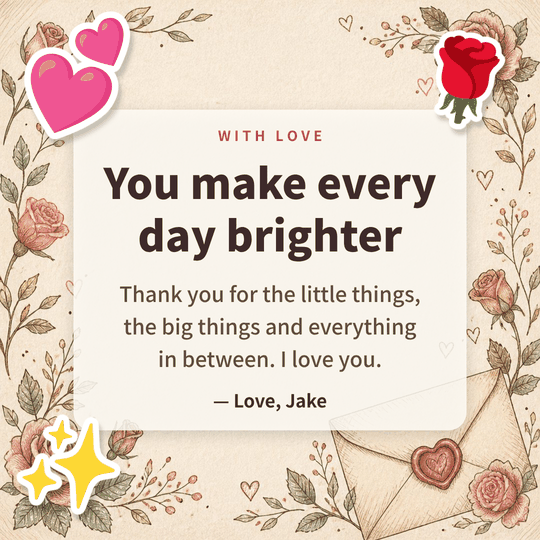
You make every day brighter 💕🌹✨
Thank you for the little things, the big things and everything in between. I love you. - For him
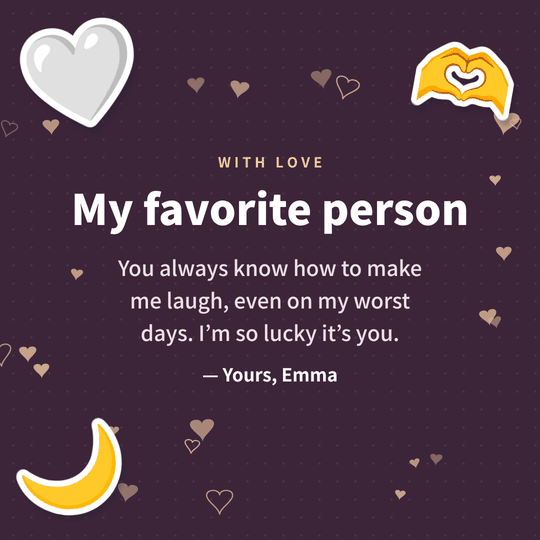
My favorite person 🤍🫶🌙
You always know how to make me laugh, even on my worst days. I’m so lucky it’s you. - Anniversary
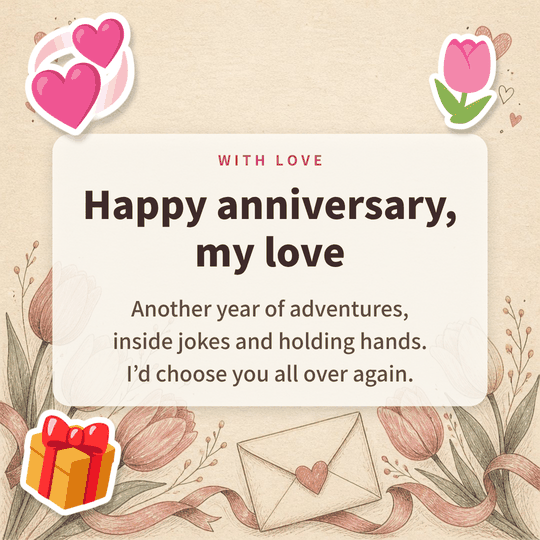
Happy anniversary, my love 💞🌷🎁
Another year of adventures, inside jokes and holding hands. I’d choose you all over again. - Wife
To my wonderful wife 💍🤍🌷
Every morning next to you still feels like a gift. Thank you for building this life with me. - Valentine’s Day
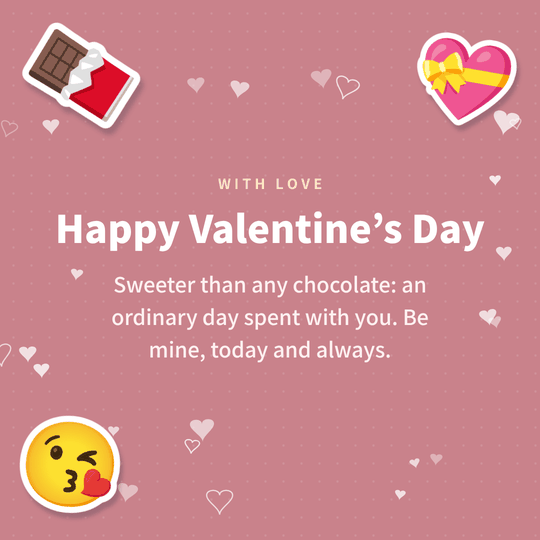
Happy Valentine’s Day 🍫💝😘
Sweeter than any chocolate: an ordinary day spent with you. Be mine, today and always. - Husband
To my husband, with love ❤️🏡✨
You are my calm, my home and my favorite hello. Thank you for every day we share. - Confession
I really like you 💘🌹✨
Time flies whenever we’re together. I’d love to be more than friends. Will you let me? - Long distance
Same sky, same moon 🌙✨💌
Miles apart, but you’re in every thought. Counting the days until I can hug you again. - Deep and heartfelt
Thank you for staying 💌🤍🌷
On the hard days you never let go of my hand. That’s when I knew what love really looks like. - Sorry
I’m sorry. I love you. 🤍🌷🫶
I didn’t think about how you felt, and I’m sorry. I miss your smile. Can we start over? - Good morning
Good morning, sunshine 🌷☕💕
You were my first thought today. Hope your day is as lovely as you are. - Short love note
I love you ❤️✨
Today, tomorrow and every day after. - Cute
You and me 🥰🫶💖
Still my favorite notification. Still my favorite human.
Love emoji combos
- 💕🌹✨
The classic set. Hearts and a rose for any love note.
- 💌🤍🌷
Love letter mood. Pairs well with deep, heartfelt messages.
- 💘🌹✨
For confessions. Cupid’s arrow and a single rose.
- 💞🌷🎁
Anniversary. For year-one and every year after.
- 💍🤍🌷
Wedding anniversary or a proposal. Calm and meaningful.
- 🍫💝😘
Valentine’s Day. Sweet and playful.
- 🌙✨💌
Goodnight texts and long-distance love.
- 🥰🫶💖
Cute mode. For short, bubbly love notes.
FAQ
Is this love card maker free?
Yes. There is no sign-up and no watermark, and you can save as many love card images as you like.
How do I write a romantic message that doesn’t sound generic?
Thank them for one specific thing, mention one shared memory and end with a small promise. Even changing one word in a sample message to something only you two know makes it feel personal.
Can I use it as an anniversary or Valentine’s Day card?
Yes. Pick the Anniversary or Valentine’s Day sample, or change the title to fit the occasion. The tulip and rose illustrations work for both.
How do I send the card by text or WhatsApp?
On a phone, tap Share and pick Messages, WhatsApp or any other app. On a computer, save the image and attach it.
How were the illustrated backgrounds made?
They are colored pencil style illustrations EmojiCanvas made with an AI image tool (GPT Image). You are free to save and send them for personal messages.
Can I post the image on social media?
Yes, for personal use. The emoji on the card use the Google Noto Emoji design (Apache 2.0).
Good to know
- Two or three lines read best on a card. If you have more to say, keep one line on the card and send the full note with Copy text + emoji.
- The most touching love quotes are specific. Mention one small memory only the two of you share, like “the rainy day at the bus stop”.
- Illustrated backgrounds put a soft panel behind your text so it stays readable. Drag away or remove any emoji that cover the picture.
- Square (1080×1080) fits chats and Instagram posts. Portrait (1080×1350) fills the Instagram feed.
- Your message and the image are processed only on your device and are never sent to a server.